- SOLARWATT Battery & Inverter vision
- Commissioning
- Battery vision one backup booster
Battery vision one backup booster
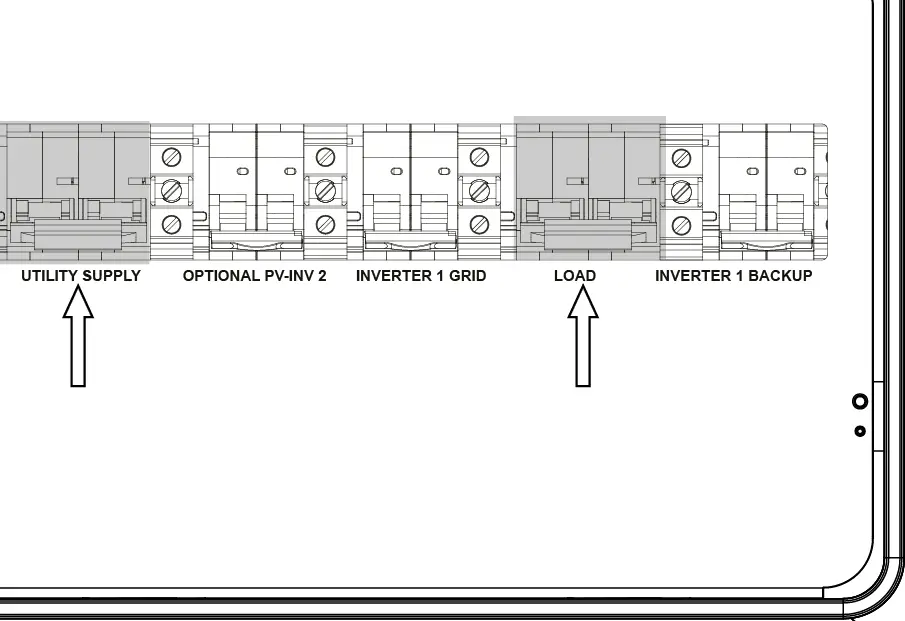
- Switch on the Utility Supply and Load isolators
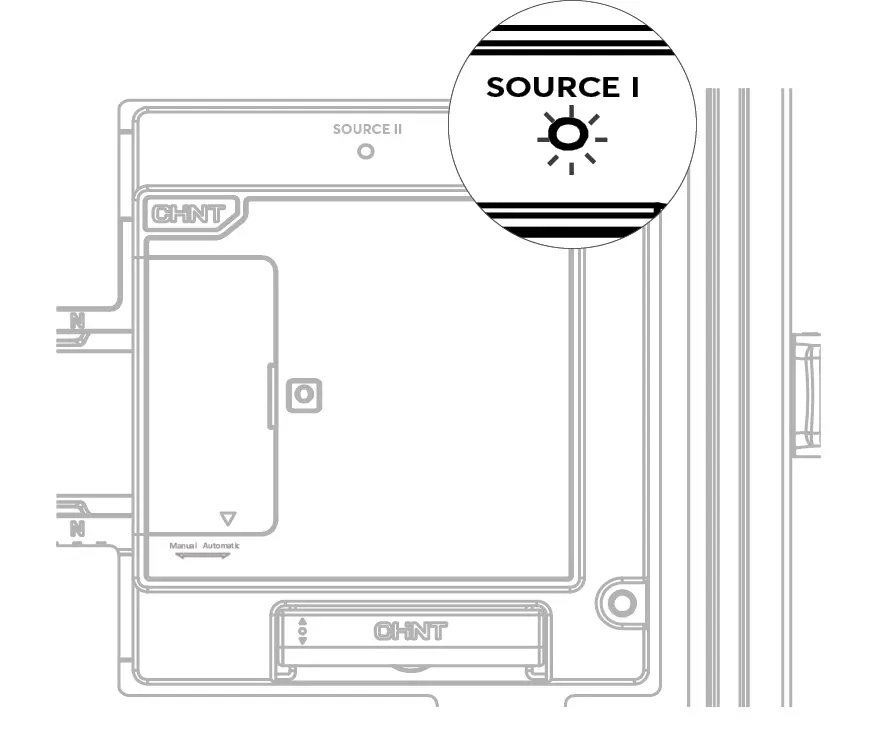
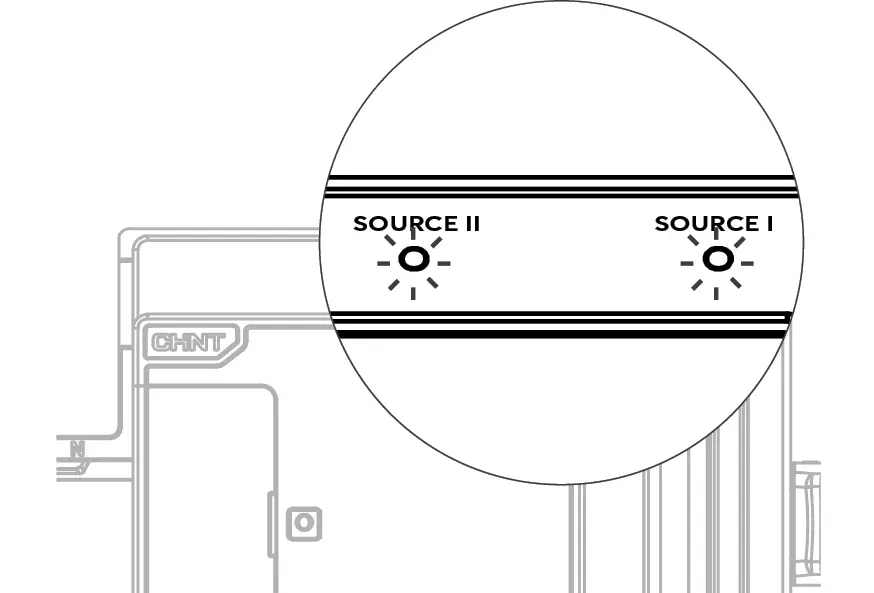
The Grid-side voltage LED ('Source I') will light up in red.
- Switch on the Inverter Grid and Inverter Backup isolators
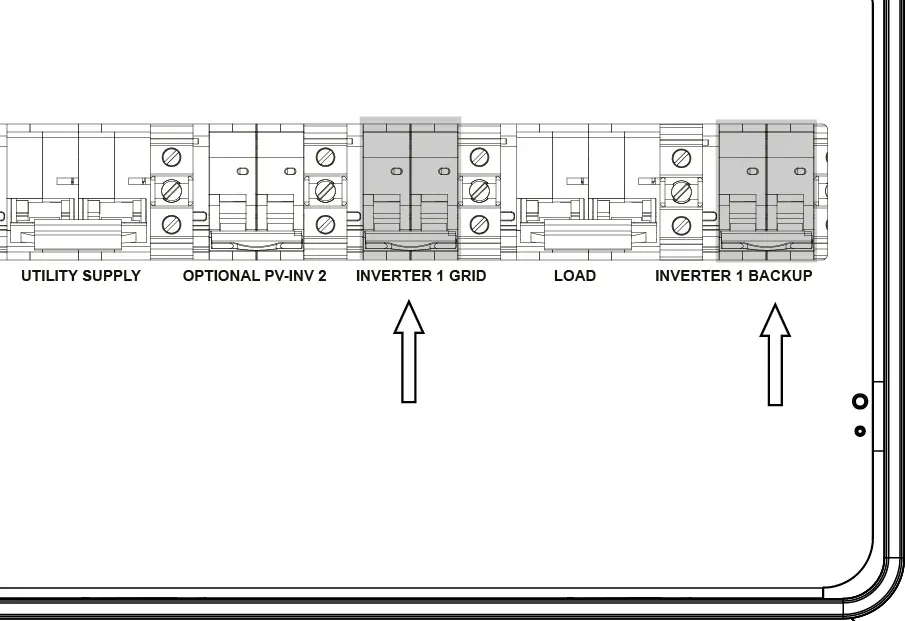
Once the inverter has started up, the Backup-side voltage LED ('Source II') will light up in red.
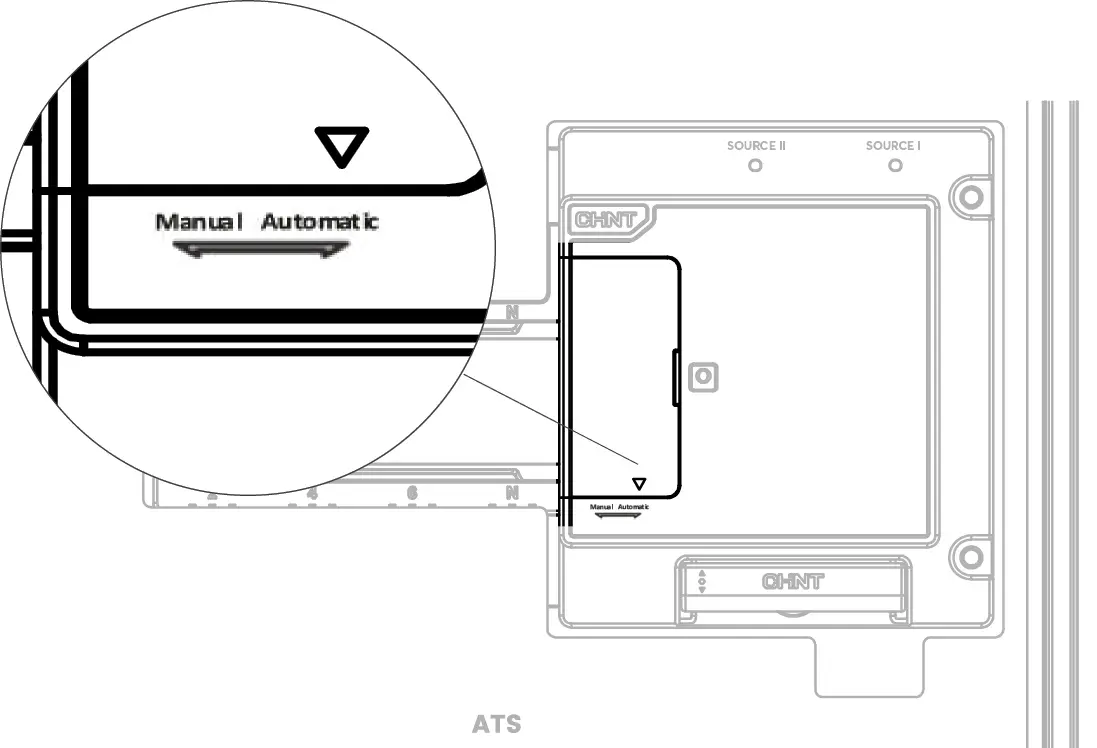
- Make sure that the sliding cover switch is in the 'AUTOMATIC' position as indicated by the arrow.