- SOLARWATT Battery & Inverter vision
- Commissioning
- Inverter vision one
Inverter vision one
Related Documents
- Turn on the GRID AC fuse
- Turn on the AC fuse for backup (if required by local regulations and available)
- Turn on the DC switch on the inverter
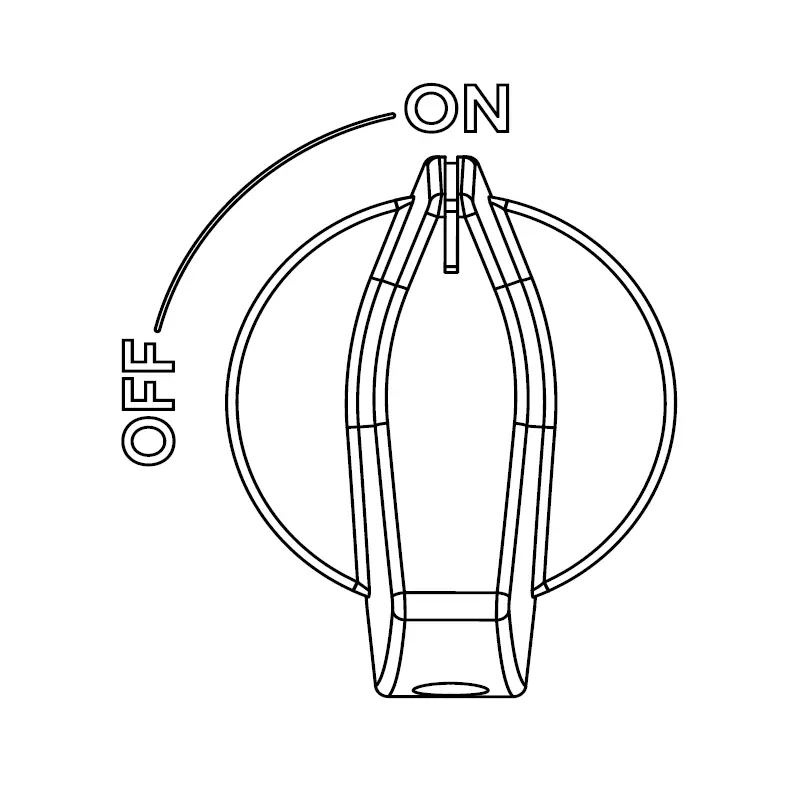
DC Switch ON

Commissioning the Inverter vision one with a 3-phase meter
For information on how to use the inverter display, see Setup and Scope of Delivery.
Structure of the inverter menu tree, including explanations can be found here.
The inverter displays " Starting...". After that , you will be in the "Power On Set" menu .
- Set the country code ( Safety menu item)
- Set the time and date ( Date & Time menu item)
Caution! It is important to set the date and time correctly so that the monitoring data is sent to the SOLARWATT Manager with the exact timestamp.
- Press the Confirm button (checkmark) on the inverter display for 3 seconds
- Select Start
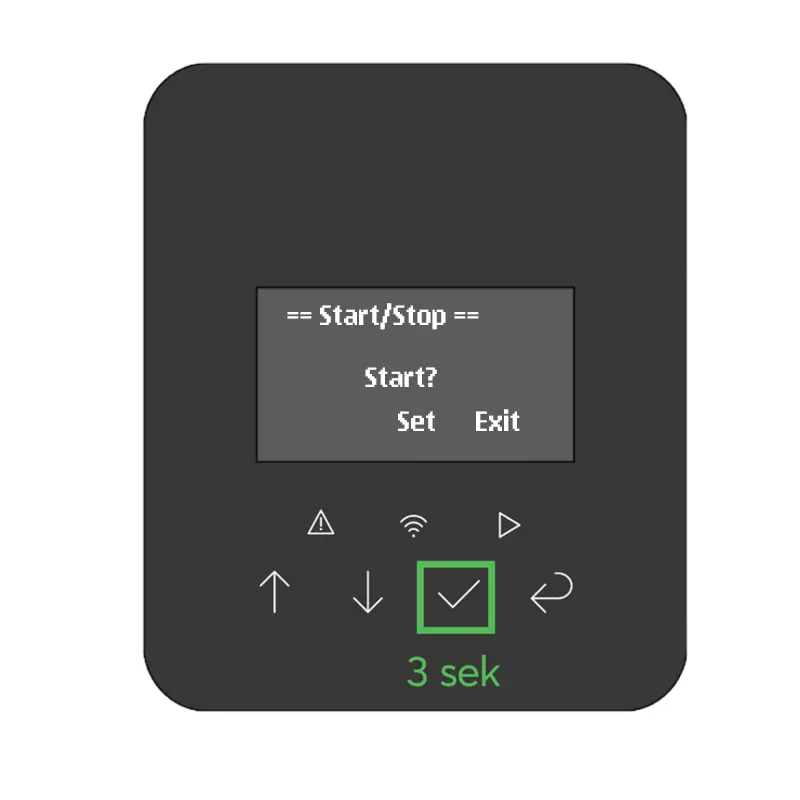
Start the inverter
The inverter is waiting for the battery to be connected and displays ...Waiting
- Turn on the DC switch on the battery (top pack)
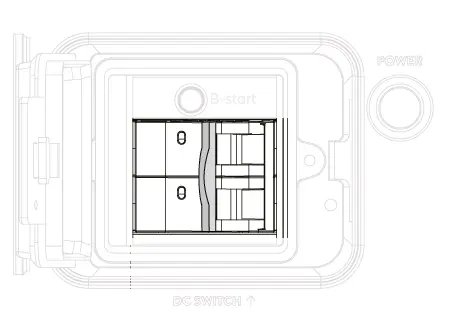
DC Switch ON
- Press the POWER button on the battery (top pack)
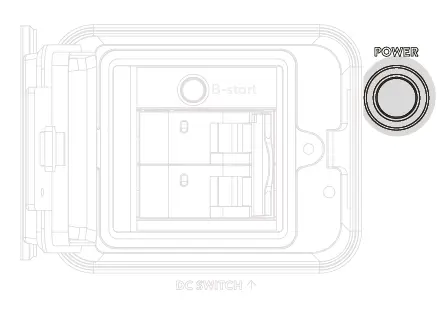
Power Button
The inverter establishes communication and starts the test function (the seconds count down under " Checking").
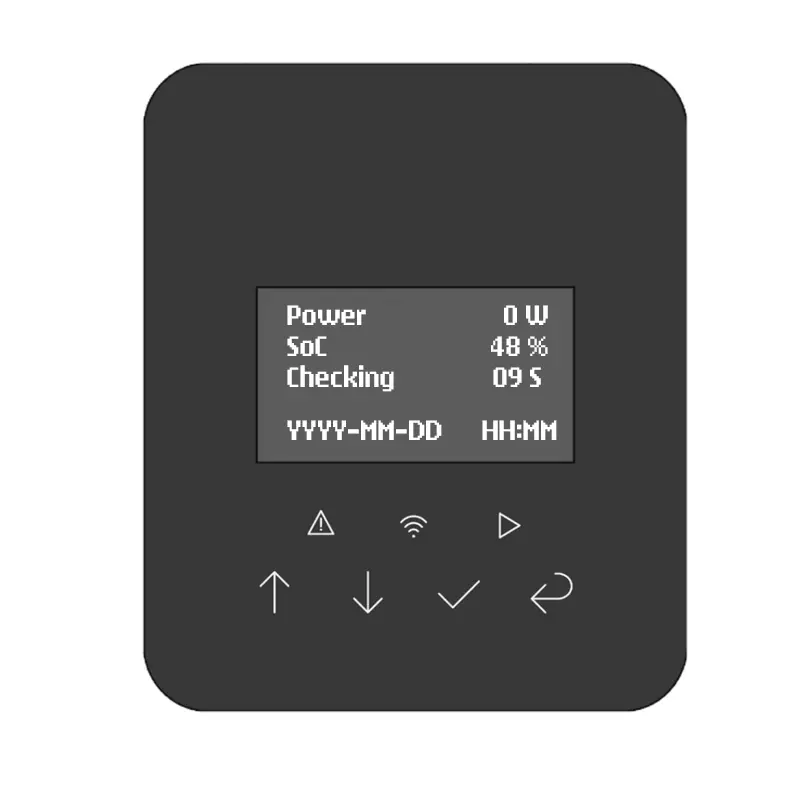
Inverter Test Function
The inverter returns to normal operation.
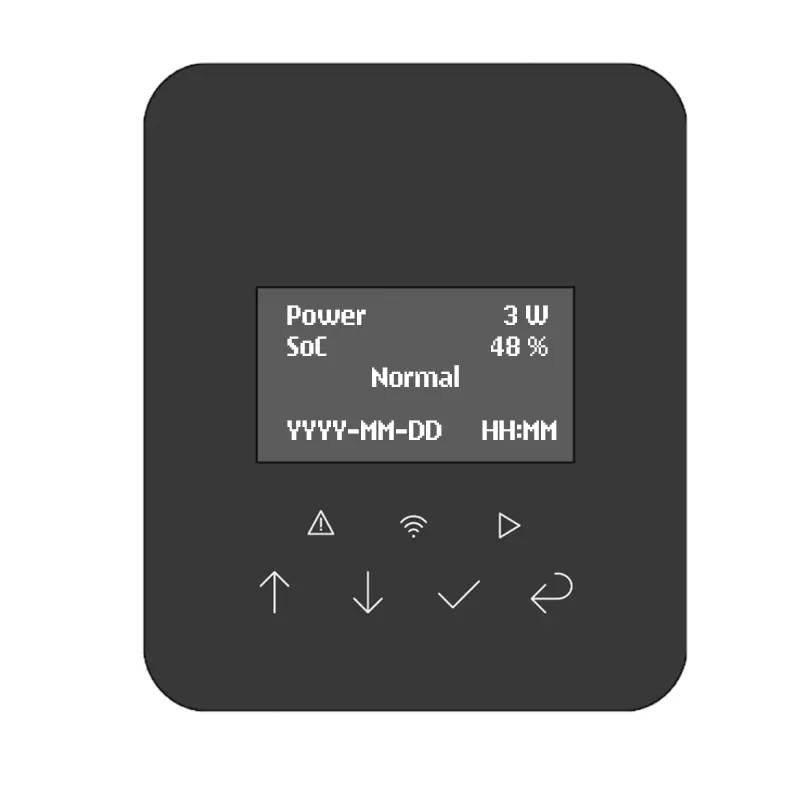
Inverter Normal Operation
Important Settings for the Inverter vision one in a 3-Phase Power Grid
Setting Up Communication with the DTSU
If the Inverter vision one was installed together with the DTSU 666 three-phase meter, it is important to configure the inverter in the next step so that it communicates correctly with the three-phase meter.
To do this, proceed as follows:
- Use the arrow keys to navigate to the Settings menu , then to the Feature menu
- In the “Feature” section, use the arrow keys to select “Meter/CT” and then “Set”
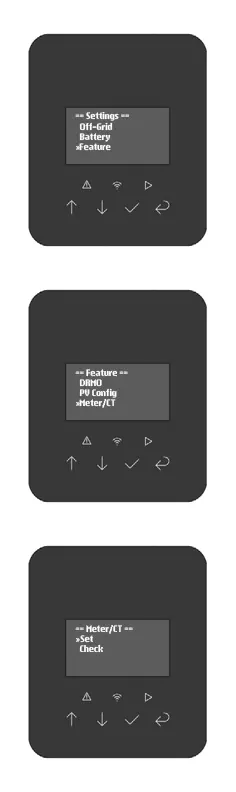
Configure Inverter One for a 3-phase meter (1)
- Use the arrow keys to find the entry " Meter_3P " and confirm with Set
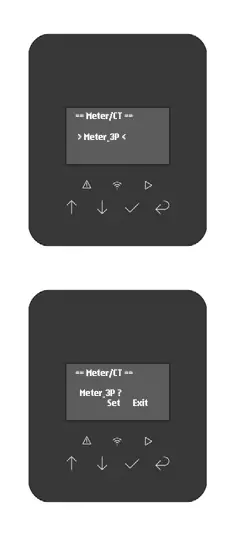
Configure Inverter One for a 3-phase meter (2))
Limit export and import to 4.6 kW (VDE-AR-N 4105)
To prevent unbalanced loads, VDE-AR-N 4105:2018-11 specifies a general limit of 4.6 kW per phase. Therefore, for inverters with a nominal power greater than 4.6 kW that are connected to a single phase, both export and import must be limited to 4.6 kW.
Here you will find a description of the necessary settings on the Inverter vision one.
Note: Since the upgraded inverter is not connected to a battery, the inverter display currently shows "BMS lost fault." This message will be resolved in an upcoming software update. The message does not affect the proper operation of the inverter.