- SOLARWATT Battery & Inverter vision
- Commissioning
- Connecting Battery vision clusterbox to Wi-Fi
Connecting Battery vision clusterbox to Wi-Fi
This page describes how to connect SOLARWATT Battery vision clusterbox to Wi-Fi
Calling up the Clusterbox WebUI
There are several ways to access the WebUI of the Clusterbox:
Via the network and the serial number of the Clusterbox
Prerequisite: Laptop/tablet/mobile phone must be in the same network as the Clusterbox
- Open the browser and enter the following URL:
http://ems-SERIENNUMMER-DER-CLUSTERBOX.local
Example:
Serial number 2R9Z4avf99pa181
URL: http://ems-2R9Z4avf99pa181.local
Via a direct connection
LAN connection
- Connect the laptop/tablet/mobile phone directly to the clusterbox (WAN connection) via a LAN cable
- Open the browser and call up the web UI via the IP address: http://192.168.1.136
Wi-Fi connector
- Connect the laptop/tablet/mobile phone to the Wi-Fi EMS-SERINNUMMER-DER-CLUSTERBOX
Example: Serial number 2R9Z4avf99pa181
Wi-Fi SSID: EMS-2R9Z4avf99pa181 - Open the browser and call up the web UI via the IP address: http://192.168.1.136
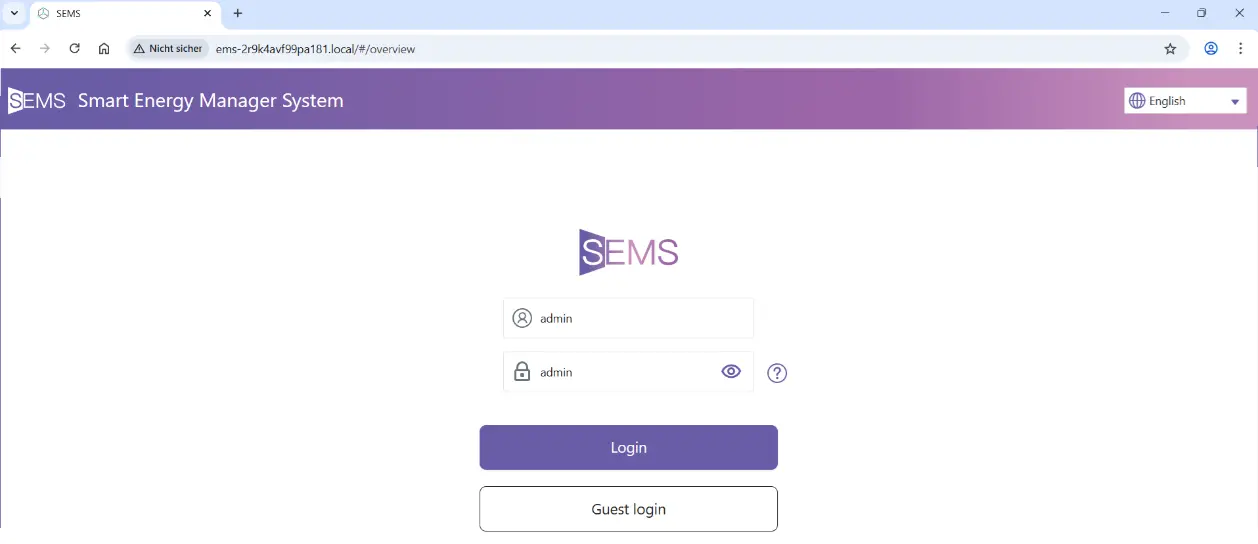
- the default password is: admin
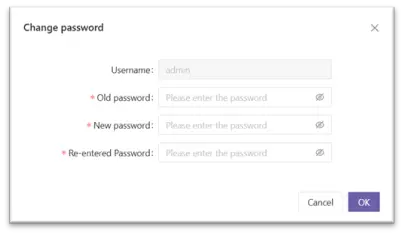
- the password must be redefined the first time you log in