- SOLARWATT Battery & Inverter vision
- Installation
- Retrofitting a Battery vision pack
Retrofitting a Battery vision pack
This page describes how to retrofit a Battery vision pack.
Preparation and planning
- existing systems can be supplemented with additional packs
- due to the typical aging behavior of lithium-ion batteries, Solarwatt recommends an expansion within the first 2 years of operation
- maximum expansion level for Battery vision top pack 1.0 is 6 packs + top pack
- Solarwatt recommends retrofitting at a charge level of approx. 50% of the existing system
- depending on the difference in SOC between the existing system and the retrofit pack (approx. 50%), balancing can take up to 6 full charge/discharge cycles
Retrofitting Battery vision pack
Information on operating the inverter display can be found at Structure and scope of delivery.
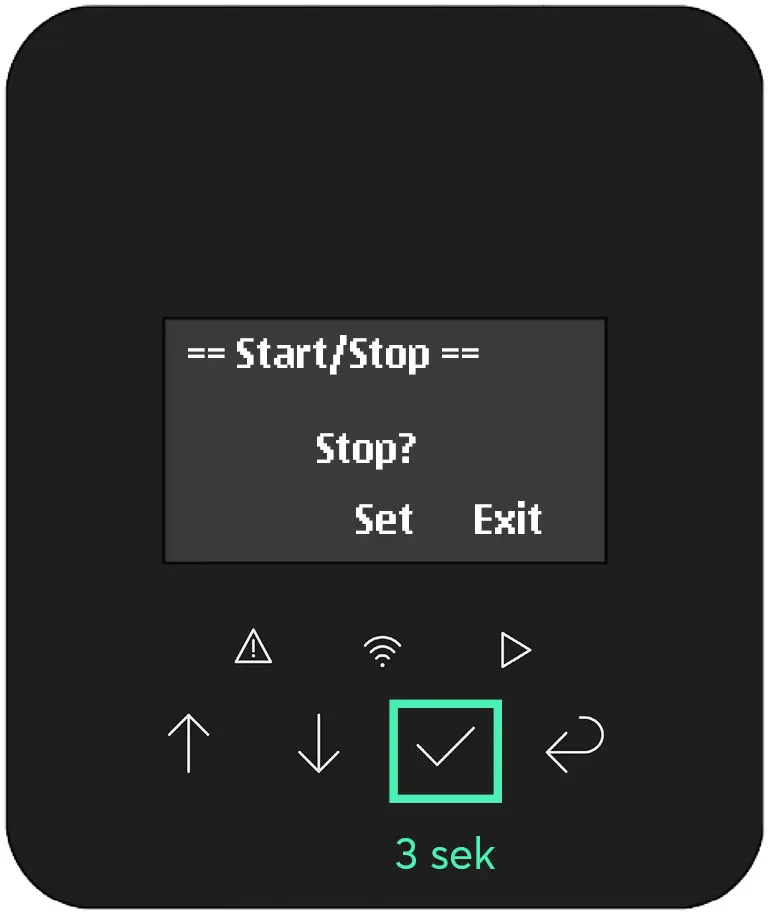
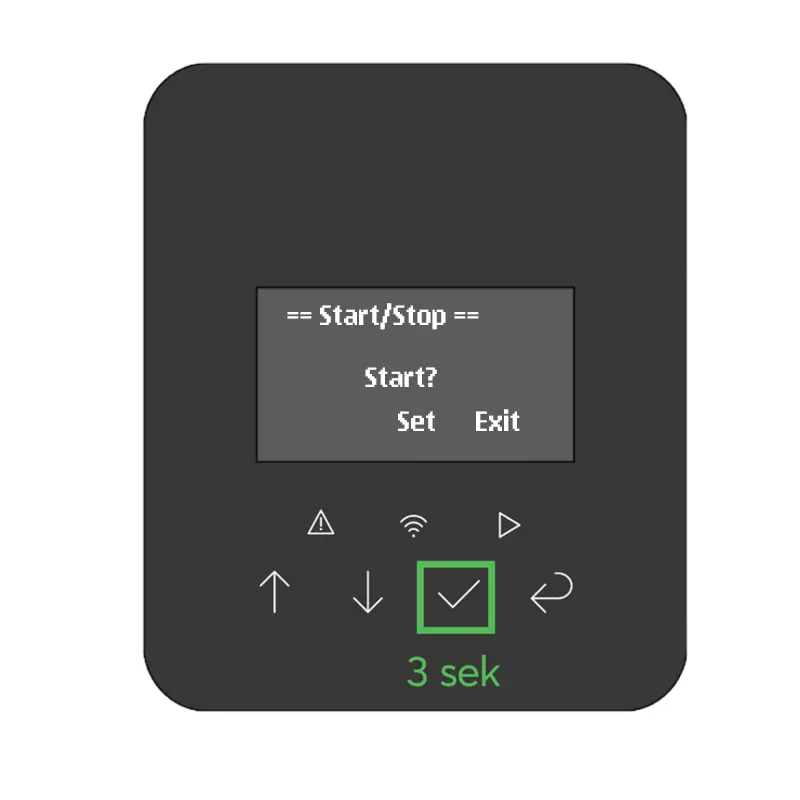
- Confirm Press the button (tick) on the inverter display for 3 seconds
- Select Stop
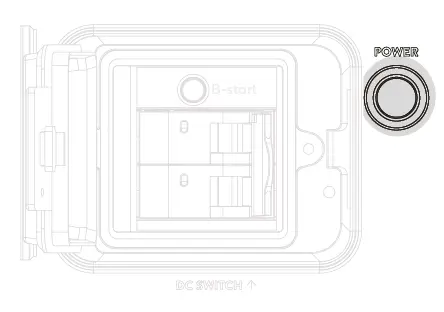
- Press the POWER button on the battery (top pack) (the relays in the packs click open audibly)
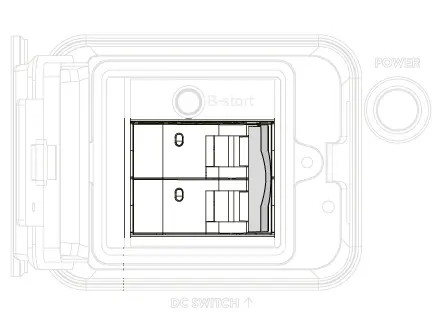
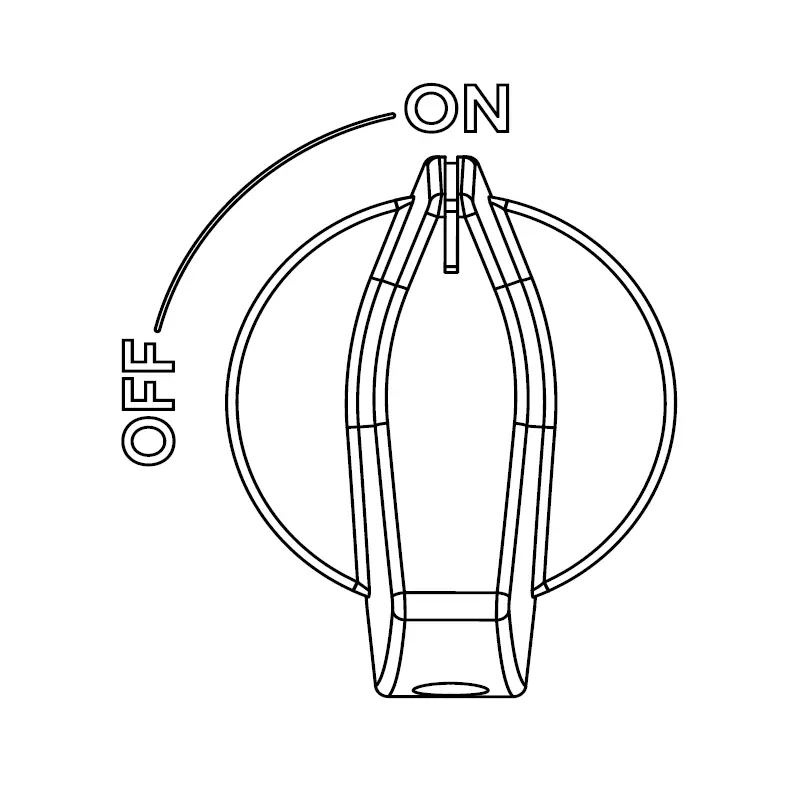
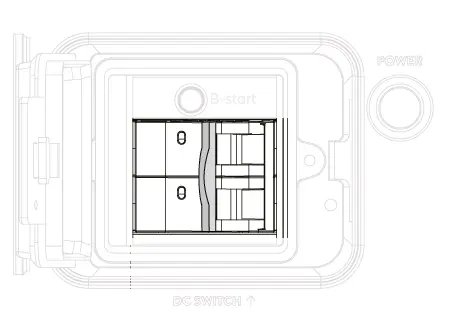
- Switch off the DC switch on the battery (top pack)
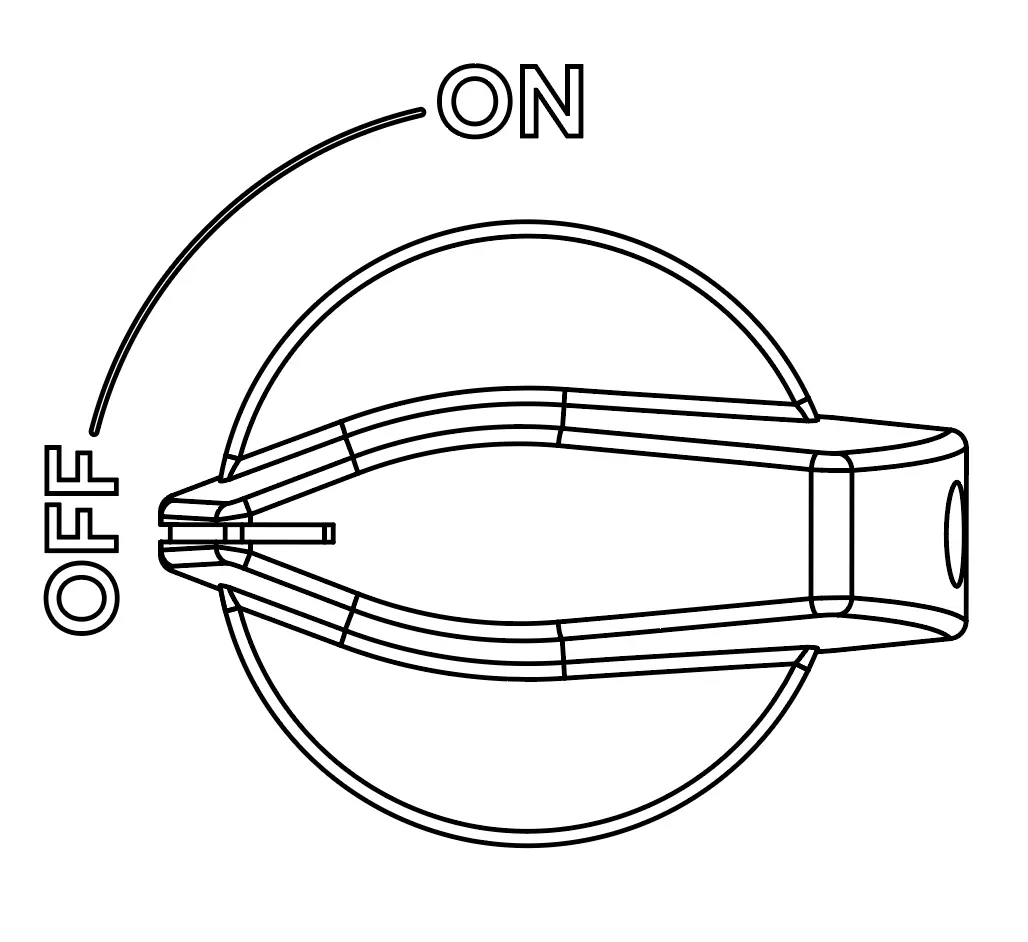
- Switch off the DC switch on the inverter
- Switch off AC fuse GRID
- Switch off AC fuse BACKUP (if available)
- wait at least 10 seconds
- remove cable cover
- Disconnect the battery cable and BMS cable from the top pack
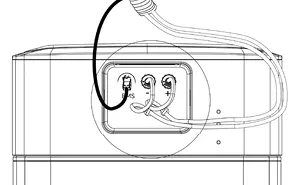
- Loosen the fixing screws and earthing cable on the top pack
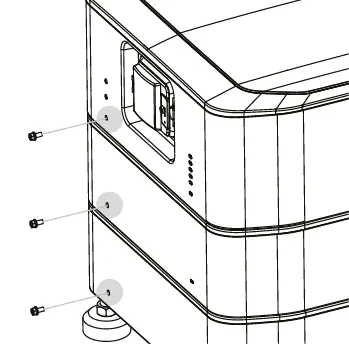
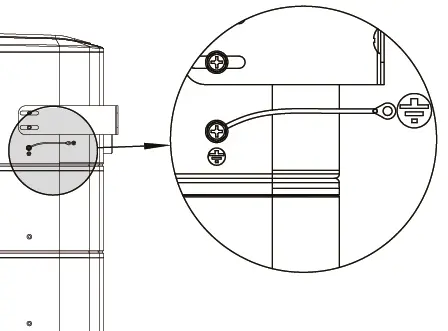
- Remove top pack
- Stack additional packs on top of the existing tower
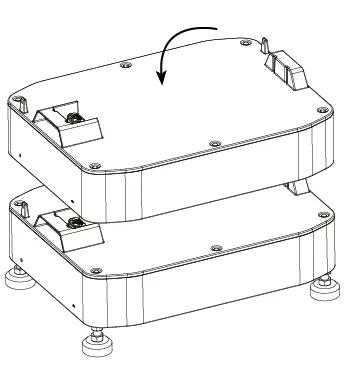
- Place the top pack on the tower
- screw and wire everything correctly again
- BMS
- Battery cable
- Cable cover
- Grounding
- Fixing the packs
- Wall fixing
- Switch AC fuse GRID back on
- Switch the AC fuse BACKUP (if present) back on
- Switch on the DC switch on the inverter
- Confirm Press the button (tick) on the inverter display for 3 seconds
- Select start
The inverter waits for the battery to be reconnected and displays ...Waiting
- Switch on the DC switch on the battery (top pack)
- Press the POWER button on the battery (top pack)
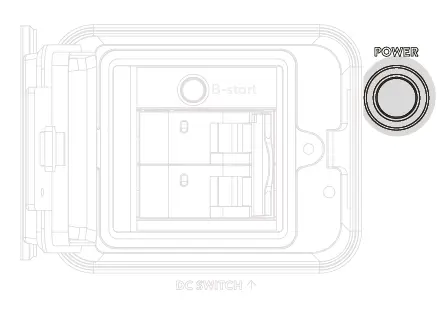
After approx. 20 seconds, the relays in the battery click audibly closed. The inverter takes up communication and starts.
The inverter returns to normal operation.
Battery returns to normal operation (LEDs on the individual packs flash green, top LED on the top pack lights up green continuously)